/// Article — til
Trigger a CI Pipeline From Command Line
At ADventori, we use Gitlab CI to deploy our staging environments when code changes in our main branch. This afternoon, I wanted to re-deploy one of our environments with the same code.
One solution I saw was to add a dummy modification to our codebase (for example adding a space in a comment), commit it, and push it to our main branch. This would trigger our CI/CD pipeline and would result to a new deployment. This solves my problem, but the code modification is artificial.
Then, I discovered the --allow-empty option of git commit thanks to this tweet:
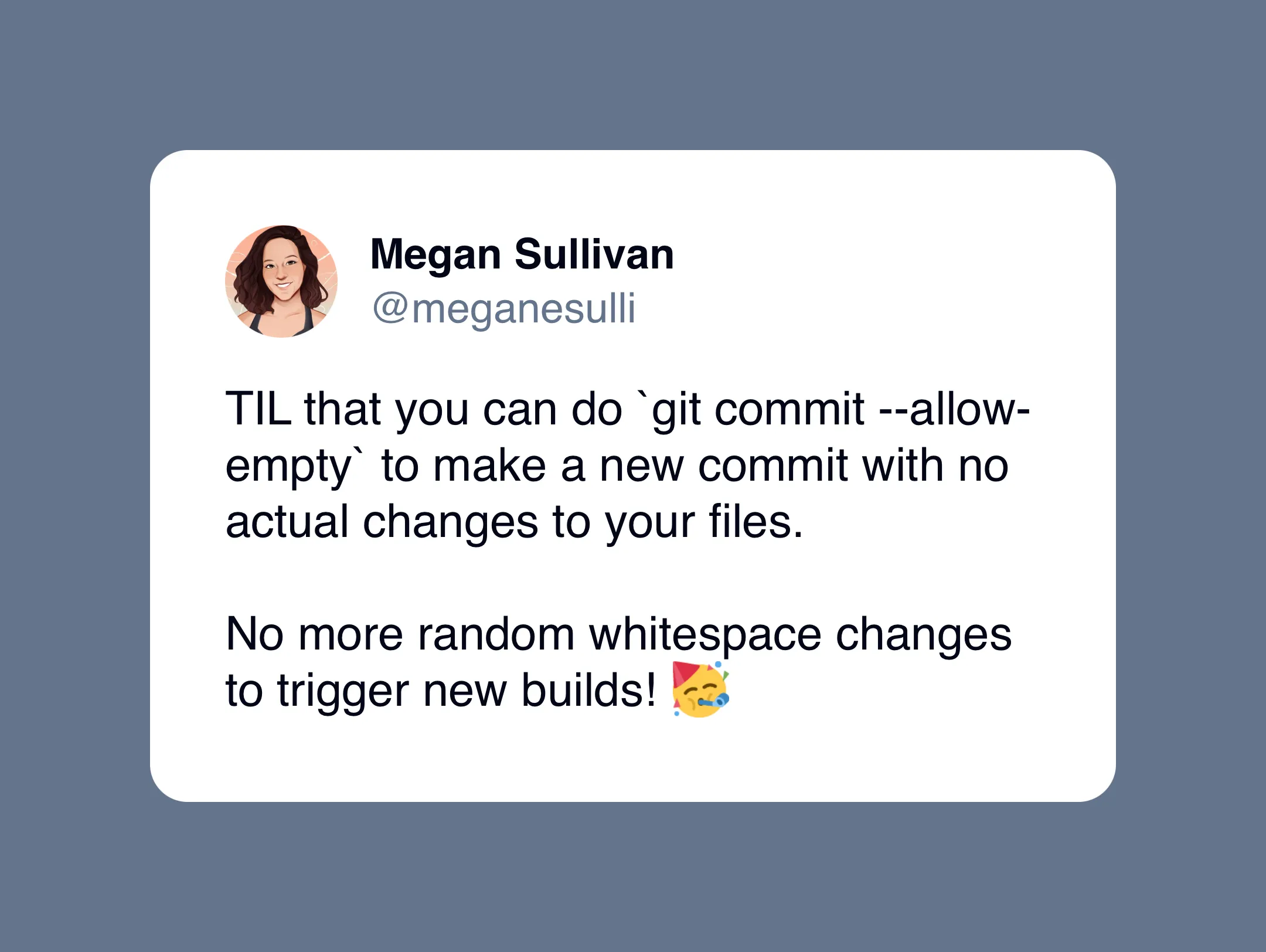
Eventually, I ran the following command, pushed to our main branch and our staging environment was re-deployed.
git commit --allow-empty -m 'Redeploy staging environment'